Making a Voice Assistant More Practical by Adding a Wake Word
Making a Voice Assistant More Practical by Adding a Wake Word
Last time I wrote about sherpa-onnx + real-time mic capture + instant transcription, which converts live speech into text and saves it to a file, completing the real-time transcription feature.
Today we'll implement a "wake" feature. The speech-to-text module only starts after the wake word is detected, then the text is passed to the corresponding Agent, and the final result is played back through TTS.
Overall Design
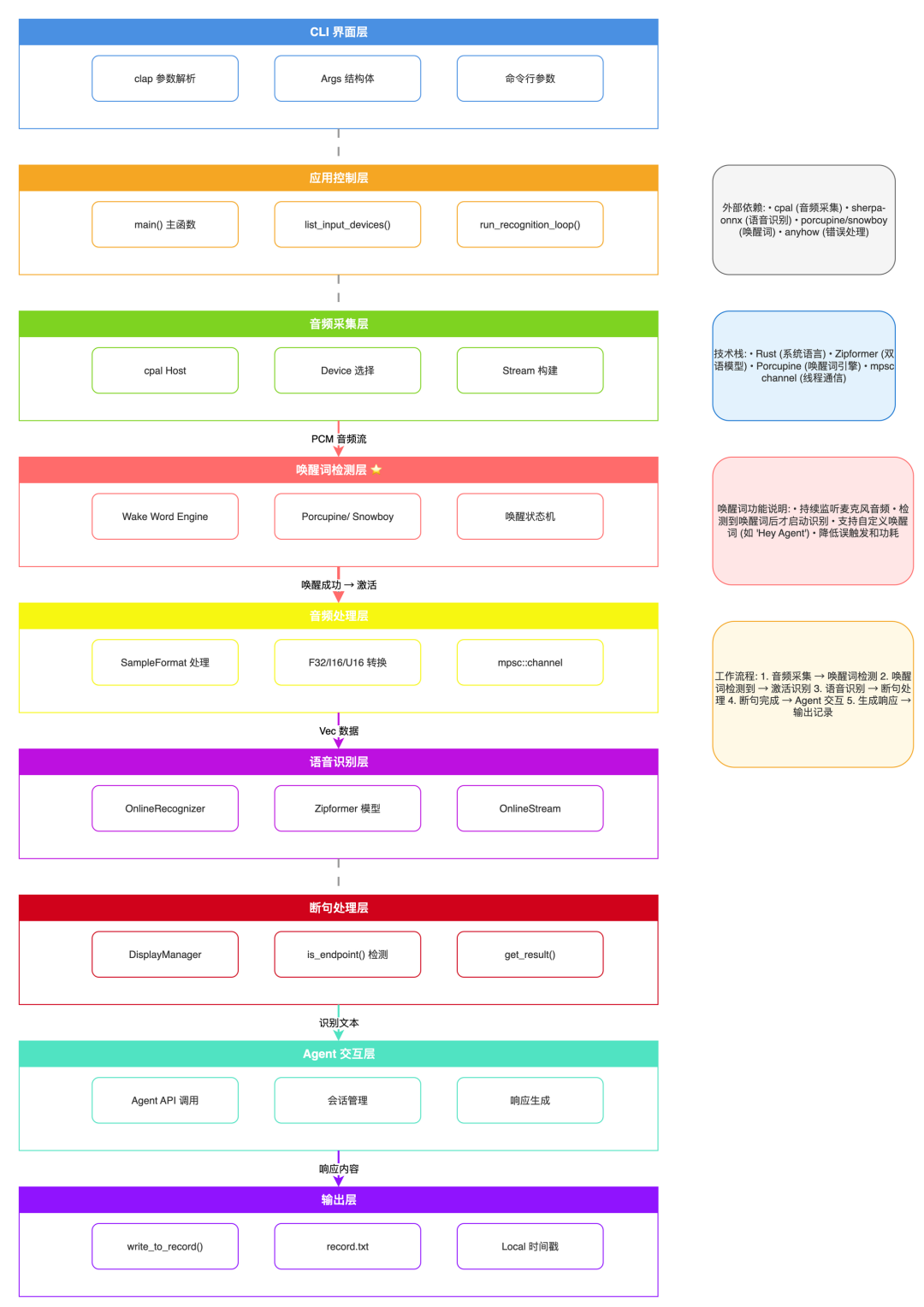
I updated the previous architecture to add wake word support. Only after the wake word is activated does processing move on to the next step.
The core flow:
Audio capture → Wake word detection → [Wake success] → Audio processing → Speech recognition → Sentence segmentation → Agent interaction → Output
Implementation
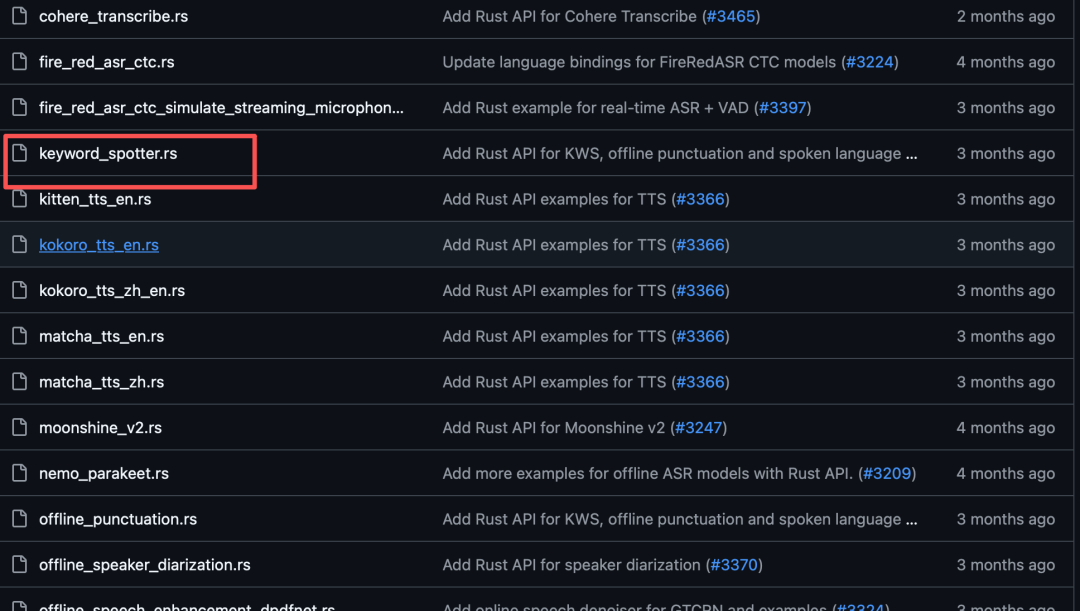
The code base is the speech-to-text project from last time. I referenced sherpa's keyword spotter example and added keyword wake functionality.
Still Vibe Coding with Opencode. A few compile errors and runtime crashes along the way were all resolved with Opencode.
The Cargo.toml dependencies:
[package]
# sherpa-onnx keyword spotter related dependencies
The core code is ready to use as-is:
use anyhow::Result;
// Audio capture → Wake word detection → Speech recognition → Agent interaction
Real-World Testing
The app defines wake words in kws_keywords.txt in the project root:
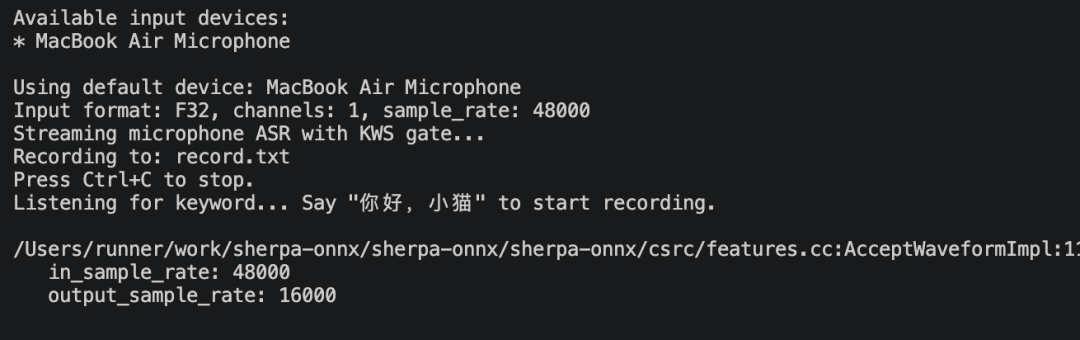
cargo run # Run the program
After starting it, I spoke for a while and nothing was recognized.
Then I said the wake word "ni hao, xiao mao" (hello, little cat). The wake word was detected successfully and transcription started. It worked well.
On sensitivity, you don't need to speak loudly to trigger it. On accuracy, similar phrases like "ni hao, xiao gou" (hello, little dog) and "ni hao, xiao hua" (hello, little flower) didn't cause false detections.
Summary
Adding wake word support to the voice assistant lowers power consumption and avoids sending every transcribed word to the Agent, which cuts token usage. In my testing, both sensitivity and accuracy are solid. I recommend giving it a try when you have time. If you hit any problems, let's talk in the comments.