Hands-On | Deploying LocateAnything-3B Locally for Object Detection, Start to Finish
Hands-On | Deploying LocateAnything-3B Locally for Object Detection, Start to Finish
I've been seeing a lot of examples lately of LocateAnything-3B being used for object detection. It's faster than Qwen3.5, more accurate than the YOLO family, and works out of the box without any training. Judging by the author names, most of the contributors are Chinese.
Let me walk you through the whole process.
Installation
The installation process had its fair share of twists and turns. I originally wanted to implement it with a Rust framework, but after trying burn and then candle, it turned out neither supports LocateAnything. So I had to fall back on the usual Python goodie bag to solve the problem.
I spent half a day fiddling with it by hand, and it was either libraries failing to install or version numbers not matching. In the end I reluctantly handed the environment setup to Opencode, and through repeated attempts it got everything installed. AI agents really are getting more and more useful.
The command I gave Opencode:
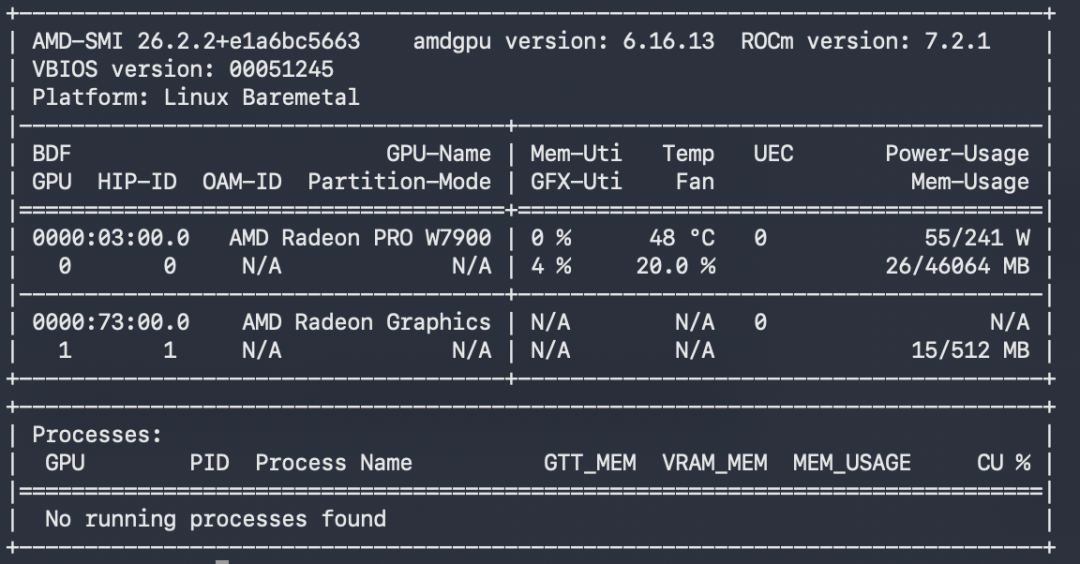
Use the LocateAnything model locally. My GPU is a W7900, the graphics driver is installed and working, you can check the configuration with
amd-smi, and the Python environment is in thela-envdirectory.
Opencode queried the current environment, confirmed things, and started downloading the model and setting up the libraries. When the download from Hugging Face failed, it surprisingly knew about a mirror site in China, and after configuring the mirror, the download succeeded.
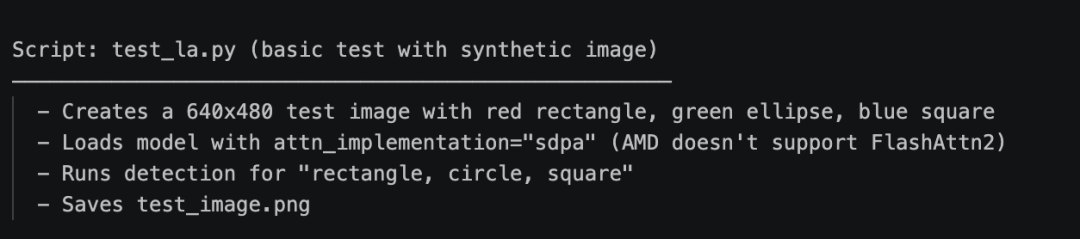
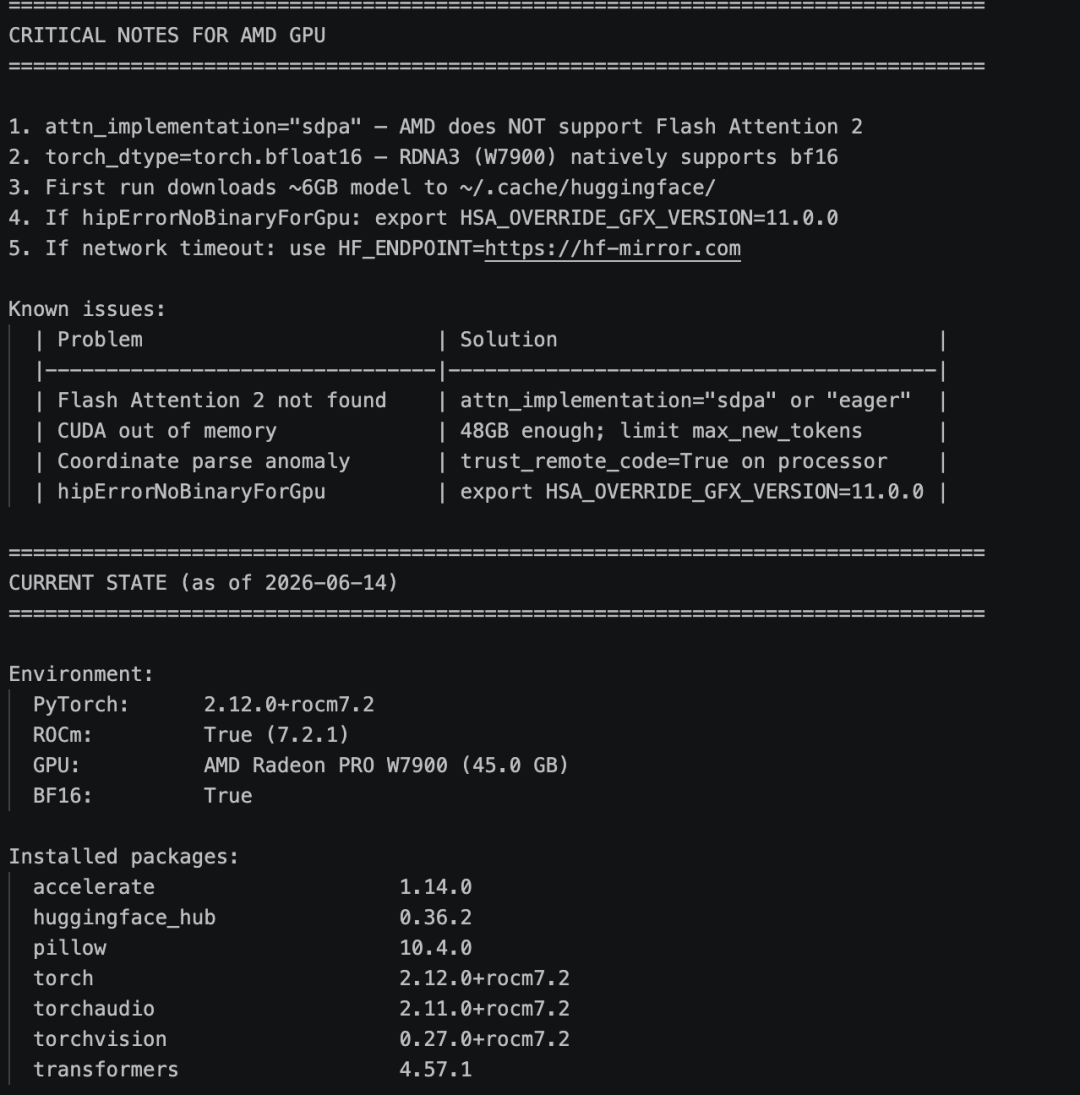
While installing the Python libraries, it found that the transformers library was too new and incompatible with LocateAnything. Once the library version was downgraded to 4.57, all the libraries finally installed successfully. Opencode even generated an image by itself and tested the code successfully.
Field Test
I've been doing drone-related work recently, so I wanted to test LocateAnything's ability to detect drones.
Single Drone Detection
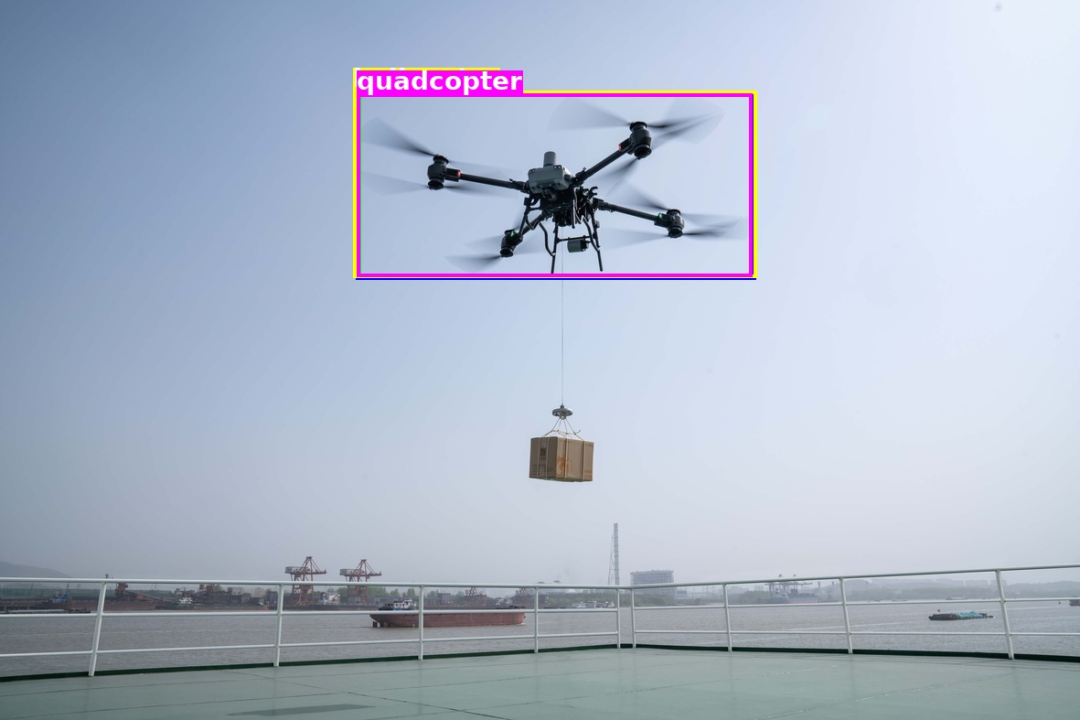
I downloaded an image from the internet. Detection worked correctly, taking about 3 seconds.
Multiple Drone Detection
Testing with an image containing multiple drones, every drone in the picture was labeled. The results matched expectations.
Code Example
The core detection code for reference (ready to copy):
#!/usr/bin/env python3
# Load the model and run inference
# See the official LocateAnything repo for the full code
Summary
I deployed LocateAnything-3B locally on an AMD GPU and ran drone detection. The results met expectations, with detection times around 3-5 seconds. Due to my graphics card, the speed isn't ideal; when I have time I'll give it another try on an NVIDIA card.
All in all, LocateAnything-3B's object detection capability is pretty good, and I recommend giving it a try. If you have any questions, let's chat in the comments.
Project repo: https://github.com/IDEA-Research/LocateAnything