Slidev: A Simple, Elegant Presentation Tool Built for Developers
Slidev: A Simple, Elegant Presentation Tool Built for Developers
Write slides in Markdown and make technical talks more efficient and elegant
As developers, we often need to give technical talks or conference presentations. Traditional presentation tools like PowerPoint and Keynote are powerful, but they're never as familiar to developers as Markdown. Today I'd like to recommend a presentation tool built specifically for developers: Slidev.
Slidev (Slide + dev, pronounced /slaɪdɪv/) is a web-based tool for creating and presenting slides, designed for developers so you can focus on writing content in Markdown. Project URL:
https://github.com/slidevjs/slidev
The project currently has over 44K stars on GitHub and a very active community, making it one of the go-to tools for technical speakers.
Why Slidev?
Slidev combines the simplicity of Markdown with the power of modern web technology, letting you:
- 🎯 Focus on content: write in Markdown, skip the fiddling with styles, and concentrate on the content itself
- 💻 Code friendly: built-in syntax highlighting, live coding, and terminal emulation let you show code elegantly
- 🚀 Fast iteration: Vite-powered hot reloading gives you an instant preview on every save
- 🎨 Rich themes: switch freely between official and community themes, and customize quickly with atomic styles via UnoCSS
- 🤹 Interactive components: embed Vue components to bring slides to life and make presentations more vivid
- 📤 Multi-format export: export to PDF, PPTX, or PNG in one click, or deploy as a single-page app for any scenario
Core Features in Depth
📝 Markdown Driven
Write slides in Markdown, edit as plain text, and keep everything under Git version control. Separate each slide with ---, like this:
# Slide 1 Title

Content of slide 1

---

# Slide 2 Title

Content of slide 2
🧑💻 Developer-Friendly Features
Slidev offers first-class code snippet support, with animations to match. The default example covers all the usage details, including:
- Shiki syntax highlighting: precise coloring, same engine as VS Code
- Shiki Magic Move: animated code diff presentations
- Monaco Editor: edit and run code live during the presentation
- TwoSlash integration: TypeScript type hover hints
📚 Friendly to Technical Documentation
For academic and technical talks, Slidev supports diagrams and formulas in multiple formats:
- LaTeX support: beautiful math formula rendering
- Mermaid diagrams: generate flowcharts and sequence diagrams from text
- Iconify icons: thousands of icons ready to use
Quick Start
Slidev offers several ways to get started: try it online, or install it locally.
🌐 Try It Online (Zero Install)
No software installation needed. Write and preview directly in your browser: sli.dev/new
🖥️ Local Installation
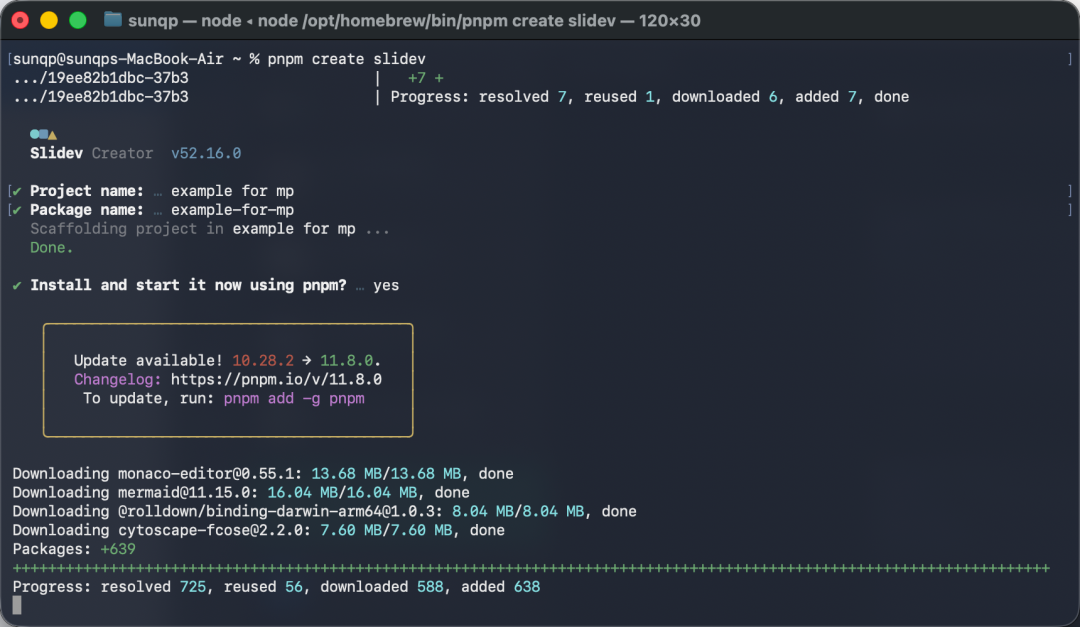
Make sure Node.js (>= 20.12.0) is installed, then run the following commands:
# Create a project with pnpm (recommended)
pnpm create slidev

# Or with npm
npm init slidev@latest

# Start the dev server
npm run dev
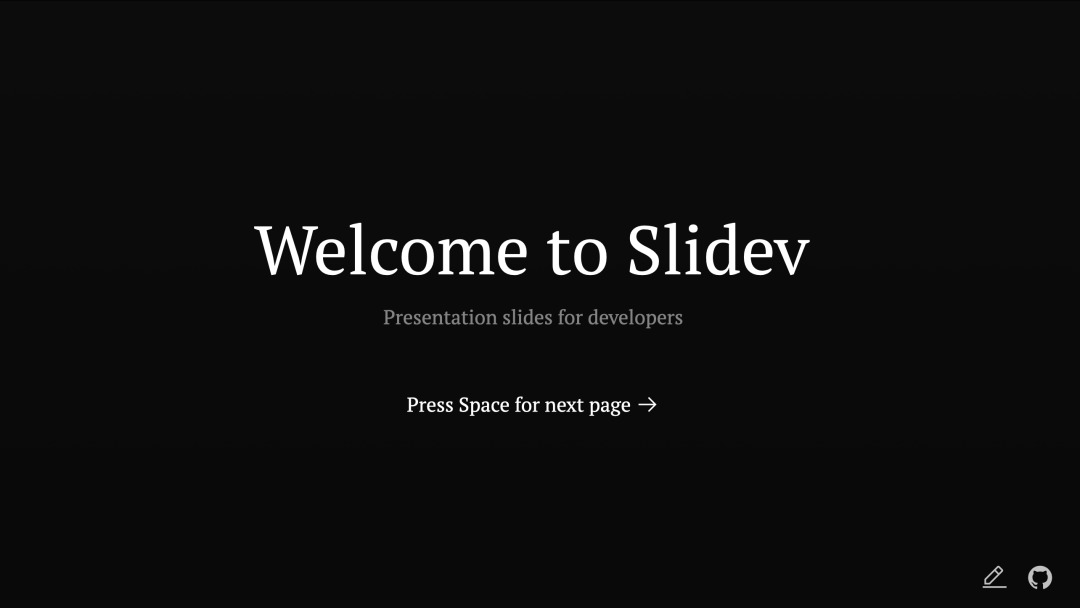
Enter your project info and a default project is generated locally. The browser opens automatically and plays the first slide.
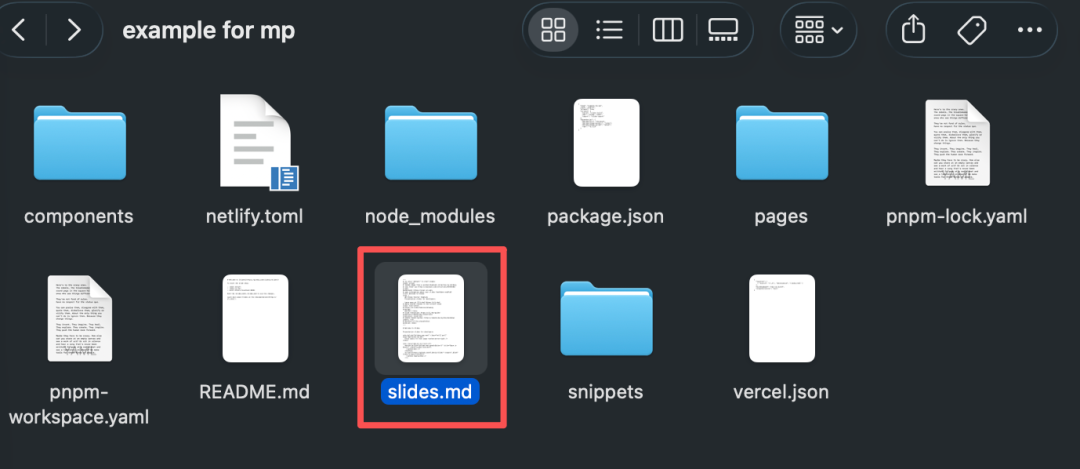
Open the local directory and you'll see the project structure. The slides.md file is where the slide content lives.
Let's look at one of the slides to get a feel for it. The original Markdown:
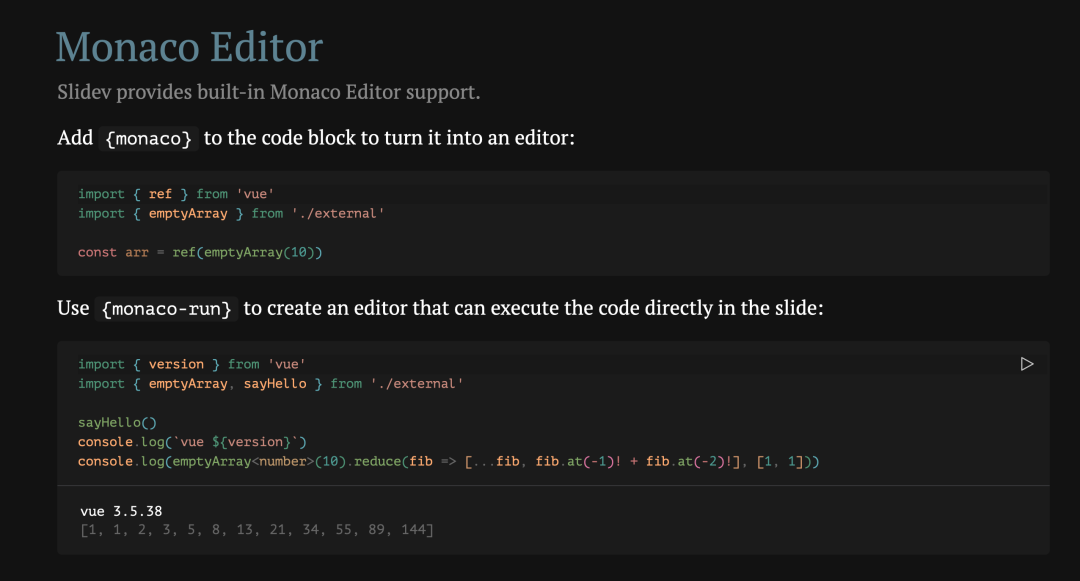
As you can see, editing is simple and the rendered result looks great.
🐳 Docker Deployment
If you need to quickly deploy a presentation in a container, you can also use the community-maintained Docker image. The steps and results are the same as running locally:
docker run -p 3030:3030 tangramor/slidev:latest
Use Cases
Slidev is a great fit for these scenarios:
- Conference talks: excellent code display and clean typography
- Team knowledge sharing: Markdown version control makes collaboration easy and efficient
- Project progress reports: quick to build, so you focus on content instead of layout
Final Thoughts
We can start simple: quickly create basic slides in Markdown, focus on content while the tool handles styling and layout, then present elegantly and enjoy a smooth experience with a professional look.
Whether you're giving a technical talk or creating teaching materials, Slidev delivers an excellent experience. As a developer, I highly recommend generating the Markdown file with an LLM (Doubao, DeepSeek, etc.) first, then turning it into a presentation with Slidev. If you run into any issues, feel free to discuss in the comments.
Project URL: https://github.com/slidevjs/slidev
Try it online: https://sli.dev/new
Official docs: https://sli.dev/guide/
Chinese docs: https://cn.sli.dev/