Claw Code: The Open-Source Claude Code, Features and Usage
Claude Code is Anthropic's official terminal AI coding agent, originally a closed-source commercial product. But during one NPM release, the dev team accidentally shipped the TypeScript source maps along with the package, effectively handing users the complete source code.
Claw Code is an AI coding assistant CLI written in Rust. Built with reference to the Claude Code source, it supports multiple models, is extensible, and can run autonomously.
Installation
First set up the Rust environment, then pull the code and build the project.
# Install rustup (the officially recommended way)
curl --proto '=https' --tlsv1.2 -sSf https://sh.rustup.rs | sh

# Reload the environment
source ~/.cargo/env

# Verify the installation
cargo --version

# Clone the repository
git clone https://github.com/ultraworkers/claw-code.git
cd claw-code/rust

# Build the entire workspace (debug build, compiles fast)
cargo build --workspace
Configuration
For this hands-on I used the online DeepSeek V4 model. You'll need to request an API key from the official site yourself. The configuration:
export OPENAI_API_KEY="sk-your-deepseek-api-key"
export OPENAI_BASE_URL="https://api.deepseek.com"
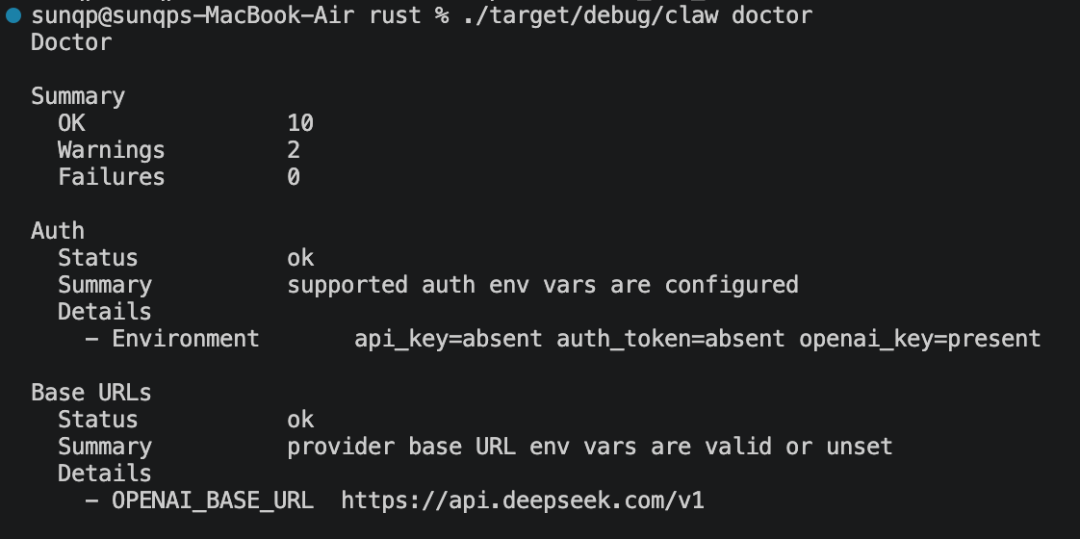
Verify that it works:
./target/debug/claw doctor
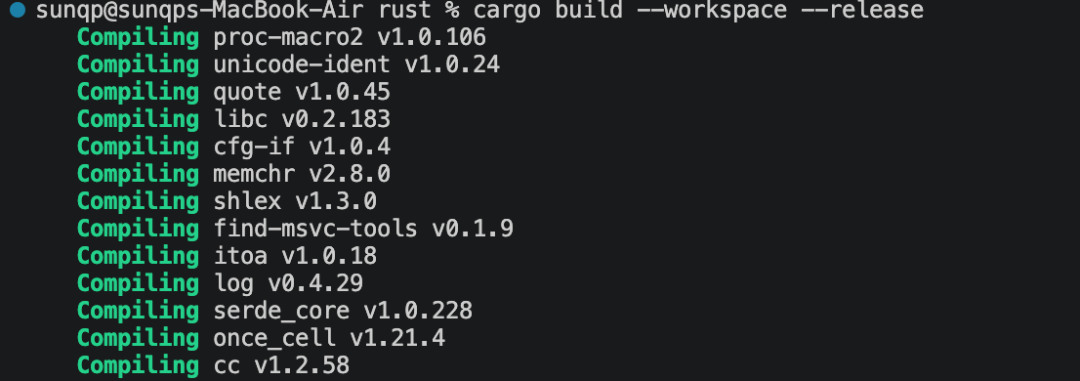
You can build a release version:
cargo build --workspace --release
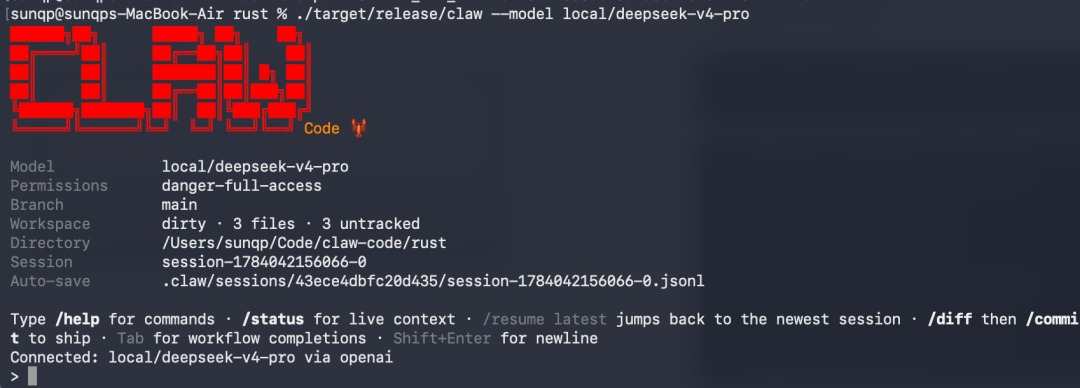
Enter the tool:
./target/release/claw --model local/deepseek-v4-pro
Core Features
1. Multi-model support
| Model | Provider |
|---|---|
| Claude Opus/Sonnet/Haiku | Anthropic |
| GPT-4.1/5.4 | OpenAI |
| DeepSeek V4 Pro/Flash | DeepSeek (OpenAI-compatible) |
| Qwen series | Alibaba DashScope |
| Grok | xAI |
| Kimi | DashScope |
| Ollama local models | Runs locally |
claw --model local/deepseek-v4-pro prompt "write sorting code"
claw --model openai/gpt-4.1-mini prompt "explain this code"
claw --model local/llama3.2 prompt "summarize this"  # local Ollama
2. Interactive REPL
claw  # start interactive mode
/doctor    # health check
/help      # help
/status    # status
/model     # switch model
/cost      # cost stats
3. Built-in tools
| Tool | Function |
|---|---|
Bash | Run shell commands |
ReadFile | Read files |
WriteFile | Write files |
EditFile | Edit files |
GlobSearch | Filename search |
GrepSearch | Content search |
WebSearch | Web search |
WebFetch | Fetch web pages |
TodoWrite | Task management |
NotebookEdit | Jupyter editing |
LSP | Language server |
4. Session management
claw --resume latest          # resume the last session
claw --resume latest /diff    # resume and show the diff
claw prompt "continue the previous work"  # one-shot prompt
5. Skills system
/claw skills list              # list installed skills
/claw skills install <path>    # install a skill
/claw skills uninstall <name>  # uninstall a skill
6. Agent system
claw agents list               # list agents
claw agents create my-agent    # create a custom agent
7. MCP servers
claw mcp # view MCP configuration
8. Permission control
claw --permission-mode read-only prompt "..."       # read-only
claw --permission-mode workspace-write prompt "..."  # writable (default)
claw --dangerously-skip-permissions prompt "..."     # full access
What Makes It Different
Autonomous running (Clawable)
The project's core philosophy is humans set the direction, AI executes:
- A human drops a single line in Discord
- The AI automatically breaks down the task, writes code, runs tests, fixes bugs, commits and pushes
- No need to babysit the terminal
Parallel multi-agent coordination
- Architect → Executor → Reviewer
- Automatic retries, conflict resolution, verification loops
Event-driven
- Listens to git commits, tmux sessions, GitHub issues/PRs
- Notification routing happens outside the agent context, so it doesn't consume tokens
Use Cases
| Scenario | Usage |
|---|---|
| Daily coding | claw prompt "implement login" |
| Code review | claw prompt "review this PR" |
| Refactoring | /ultraplan refactor the auth module |
| Debugging | /bughunter src/handlers |
| Docs generation | claw prompt "write docs for this function" |
| Automated workflows | Autonomous runs via Discord/hooks |
Claw Code vs. Claude Code
| Feature | Claw Code | Claude Code |
|---|---|---|
| Multi-model | ✅ DeepSeek/Qwen/Grok/Ollama, etc. | ❌ Claude only |
| Autonomous running | ✅ Designed as a core capability | ⚠️ Limited |
| Event-driven | ✅ Discord/GitHub integration | ❌ |
| Skills system | ✅ Extensible | ⚠️ Limited |
| Open source | ✅ MIT | ❌ |
Hands-On: Writing and Reading Code
1. Write some Python sorting code
./target/debug/claw --model local/deepseek-v4-pro prompt "write a Python quicksort"
It generates the file locally, tests it, and prints the output.
2. Read the project's code
It finished the job in about 30 seconds. Partial output below:

The cost of the tasks above:

Wrap-up
Claw Code is an extensible, multi-model, autonomous AI coding assistant: fast at execution and compatible with many models. It's a great daily companion, and I recommend giving it a try. If you run into problems, let's talk in the comments.